How it works
From “where did it go?”
to “found it” in seconds.
The whole picture first.
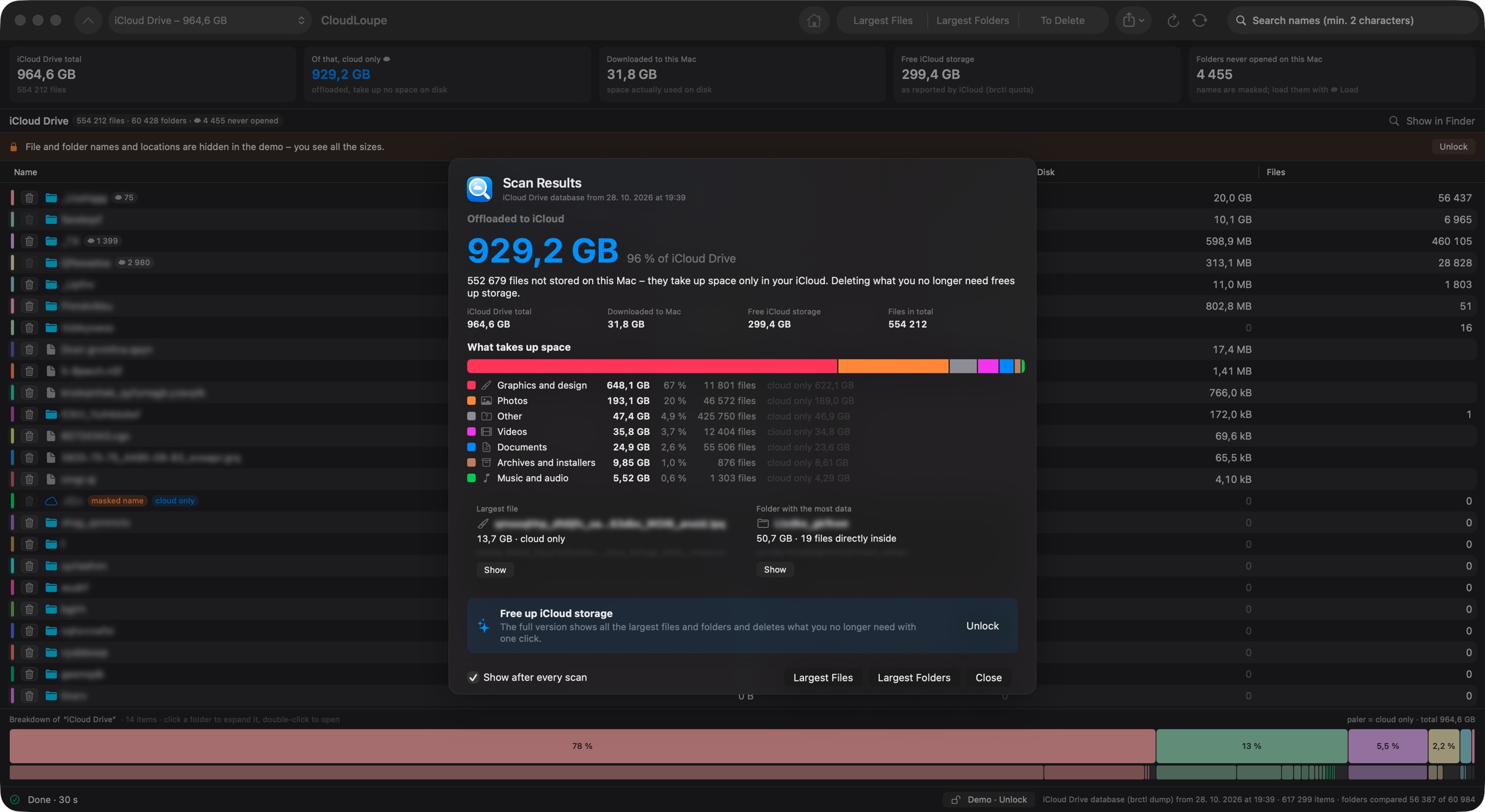
One look shows how much is in iCloud Drive, how much of it lives only in the cloud, what's downloaded on this Mac and how much room is left in your plan.

Know what kind of data it is.
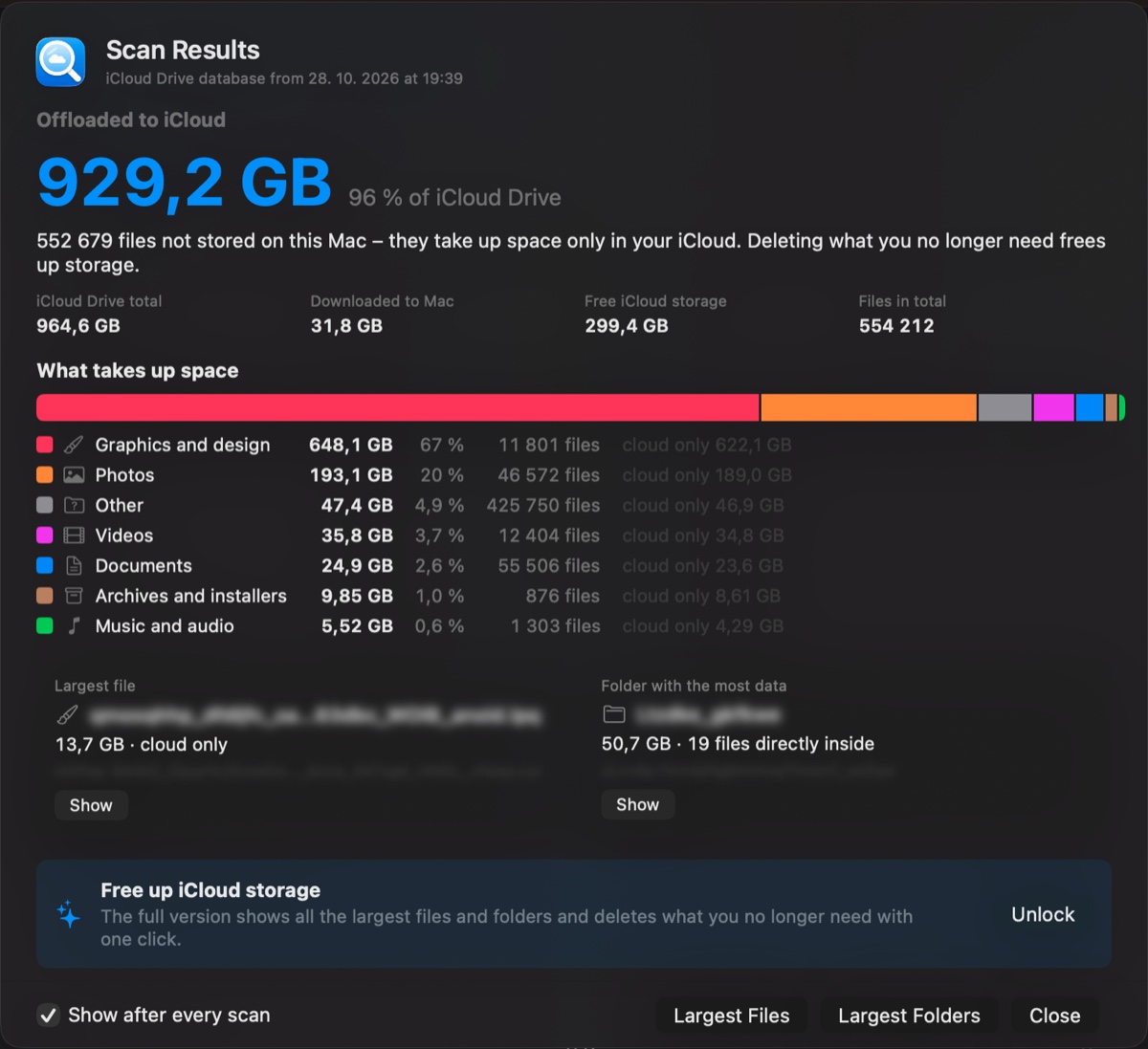
After every scan, Scan Results sums it up: how much is offloaded to iCloud, what takes the space – graphics, photos, videos, documents – and the single largest file and folder.
See the proportions.
A colour bar splits the current folder into its parts, with a second row for the subfolders inside. Click a block to zoom in; lighter shades mean cloud-only.

Every folder, sized for real – then clean up.
Folders are sorted by their true iCloud size, even ones never opened on this Mac. Jump to the largest files and largest folders, collect what you don't need on a delete list that shows how much space you'll get back, then move it to the Trash in one go.